In partnership with


Wispr Flow turns your voice into clean, ready-to-send writing — speak naturally, it strips the filler and fixes the punctuation. I've used it daily since February 2026 to build this newsletter. Read the full review →
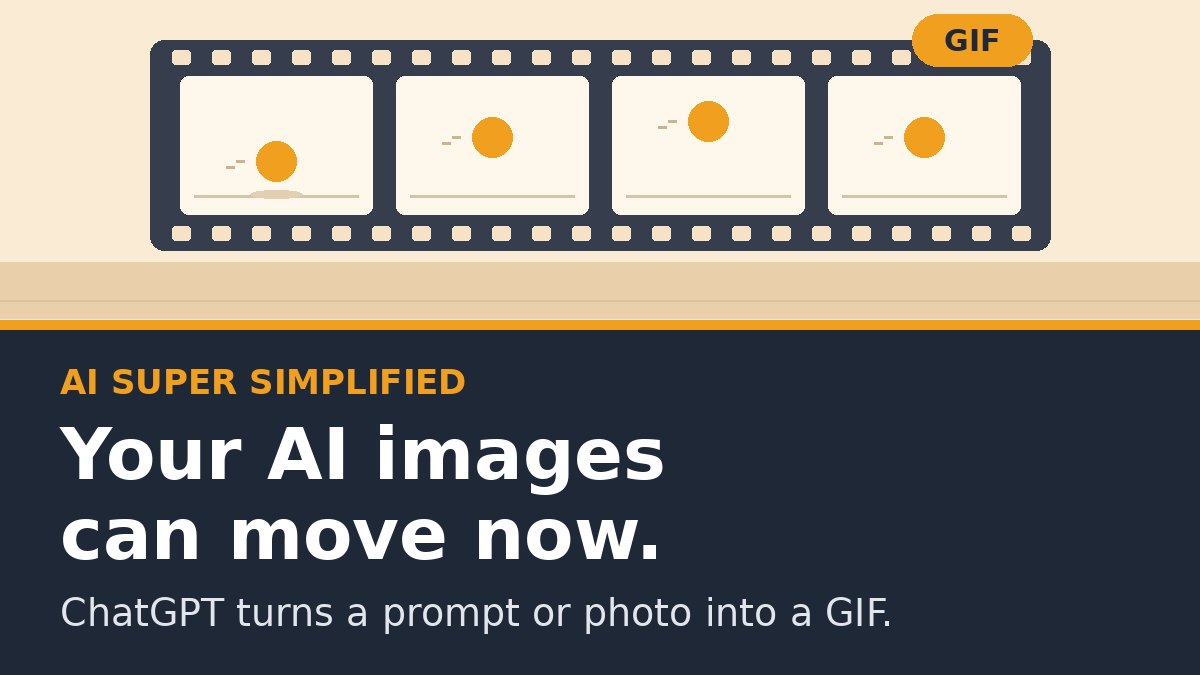
OpenAI released Images 2.6 on November 4, and the headline feature is simple: ChatGPT can now make animated GIFs. Type a prompt or upload a photo, and you get a looping animation back. You can then change how fast it plays, edit single frames, and share it.
Until now, ChatGPT couldn't make a GIF in one step. You had to generate frames and stitch them together somewhere else. Now it's one request.
What changed
GIFs from a prompt or a photo. Start from words, or animate a picture you already have.
Frame-by-frame control. If one frame looks off, fix that frame instead of starting over.
Faster images. OpenAI says ChatGPT makes images faster now. It gives a number, 50% faster, only for its new developer models.
Saved reference images. Keep photos of yourself, your pet or a recurring character ready to reuse without uploading them again.
Who gets it: OpenAI says it's rolling out to all ChatGPT and Codex users on web, desktop and mobile. GIFs are still rolling out, so if you don't see the option yet, check back in a few days.
The Dell Pro keeps your day moving.

Built for those who stay in the flow.
Handle the busiest days by staying in the flow with built-in intelligence on the Dell Pro laptop powered by Intel® Core™ Ultra with Intel vPro®.
Five GIFs worth trying this week
1. The product spin. Upload a product photo and type:
Turn this into a looping GIF where the product slowly rotates on a clean white background.
Good for a store listing or a social post.
2. The "we're open" sign.
Make a GIF of a neon OPEN sign flickering on in a dark shop window.
A quick, cheap Instagram story.
3. The team reaction.
Make a GIF of a coffee mug filling to the brim, with steam rising, on loop.
Drop it in Slack every Monday morning.
4. The pet cameo. Save a photo of your dog as a reference image, then:
Make a GIF of my dog waving one paw.
This is the one people will forward.
5. The 4-step how-to.
Make a 4-frame GIF showing how to fold a dress shirt, one step per frame.
If one frame gets a step wrong, edit that frame alone.
Tip: slow the playback down for anything instructional. Fast loops look fun but are hard to follow.
The takeaway. This is a fun upgrade with real uses. Product shots, social posts and quick explainers just got a lot easier to animate, and you don't need any other software to do it. Pick one of the five and try it this week.
On the site: a copy-paste prompt that interviews you and writes the GIF request for your project, plus a live preview of all five ideas.
Speech models ace the lab. Canto's built for your commute.

Speech recognition is great on clean studio audio. Real dictation happens at your desk, on a walk, or in a loud cafe. That's why Wispr Flow built Canto, its own speech model, trained on how people really talk.
On 10 hours of real dictations from 2,300+ speakers, it had the lowest word error rate of every model tested, ahead of models from Google, OpenAI, AssemblyAI and Deepgram. Background music, traffic, someone talking next to you, a whisper: on a challenge set full of exactly that, Canto had the lowest error rate among real-time models tested.
Talk naturally and Wispr Flow types clean, formatted text in any app. 4x faster than typing.
How was today's edition?
— Jerry
AI Super Simplified